How to Verify Your XM Account in 2026: KYC Requirements, Documents & Approval Time

In this guide, you’ll learn how to complete XM account verification step by step, understand the required documents, and navigate the full KYC process smoothly so you can trade with confidence and uninterrupted access to all XM features.

XM Verification Process Overview
XM is a globally established forex and CFD broker offering trading services to clients in more than 190 countries. Founded in 2009, XM is widely recognized for its easy-to-use trading platforms, competitive trading conditions, and extensive range of financial instruments, including forex, commodities, indices, stocks, and cryptocurrencies.Here’s a quick overview of the XM account verification process:
#1 Access the Official XM Forex Website
Go to the official XM website and verify the URL for security purposes. On the homepage, click [Login], which will take you directly to the login page.
#2 Access the Verification Section
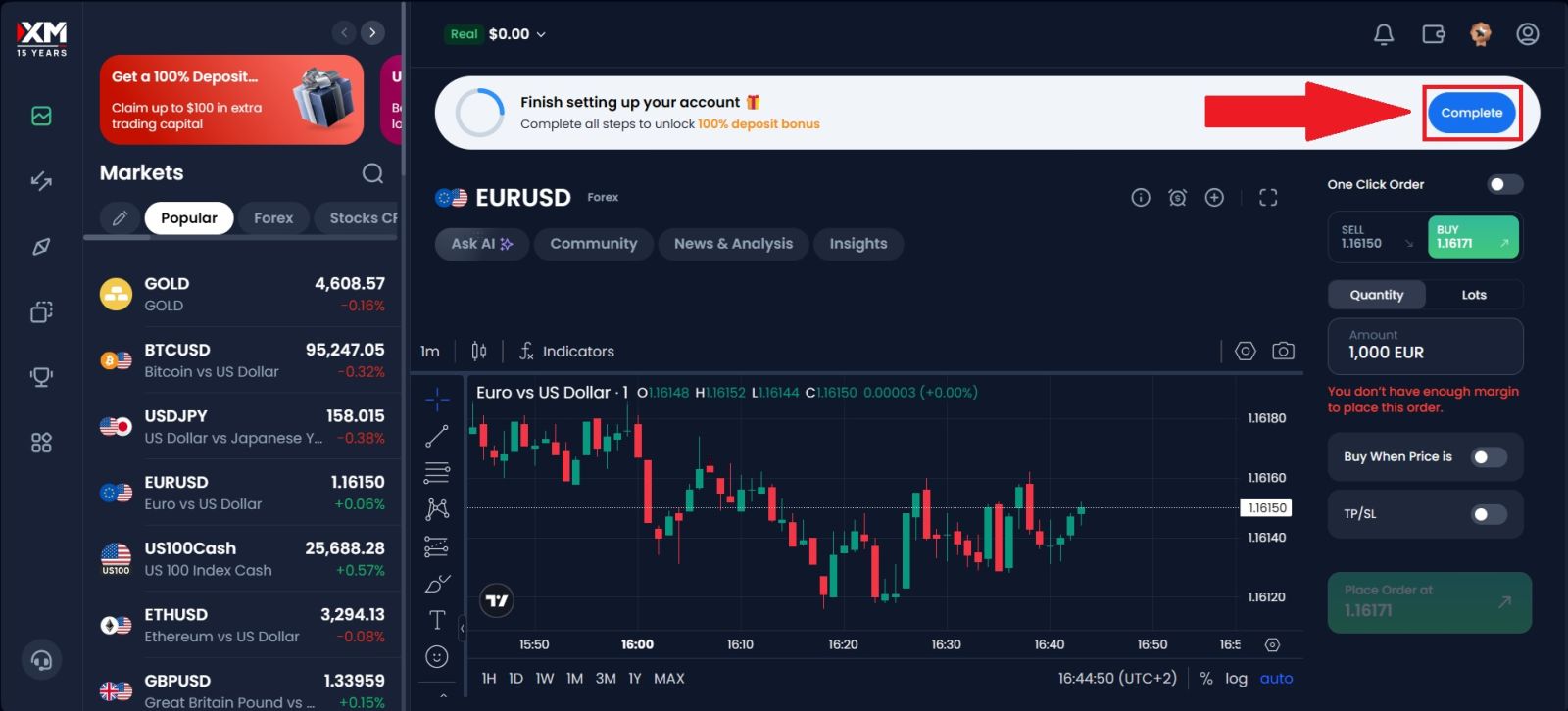
After successfully logging in to your Exness account, locate and click the [Complete profile] option on the homepage. This section is designed to help you finish setting up your account by providing the required personal information.
#3 Verify your Phone Number
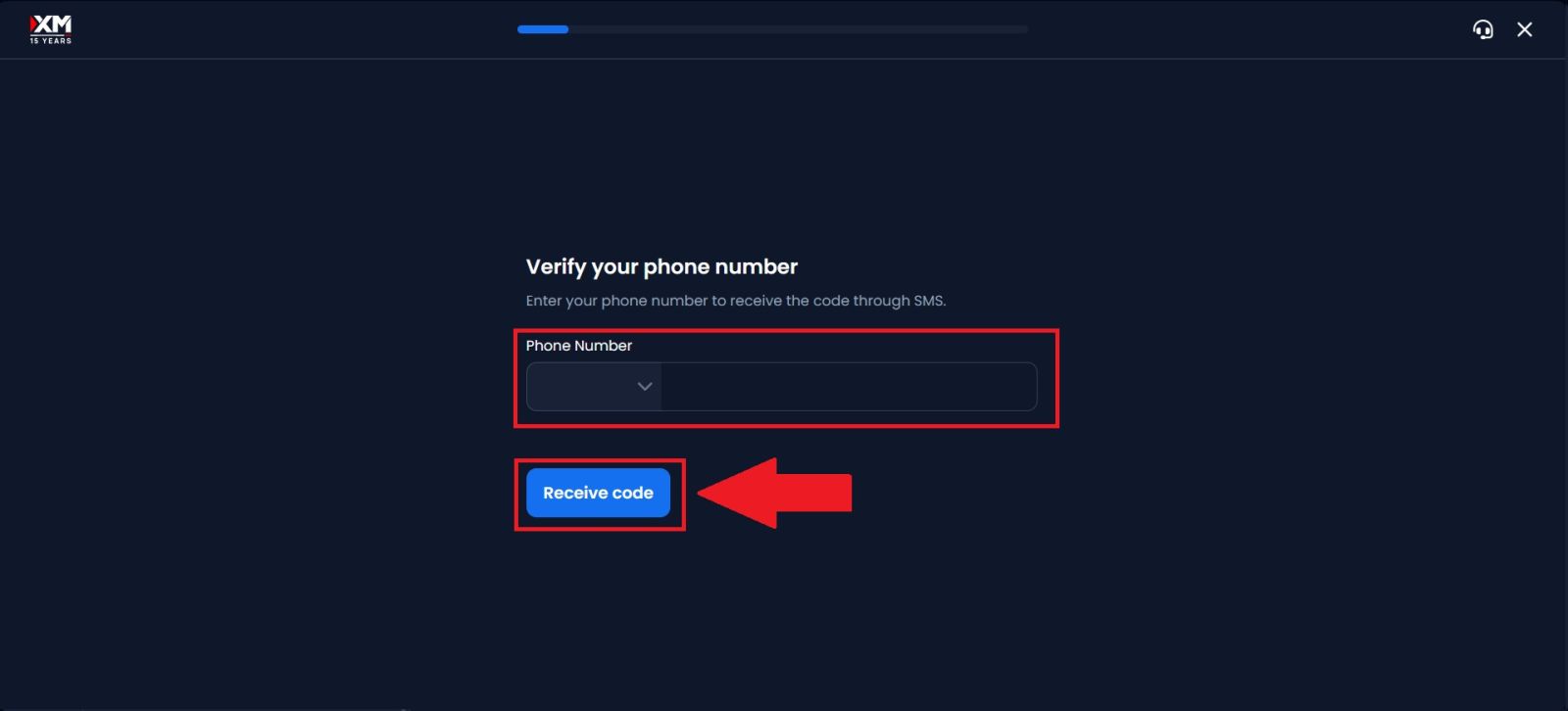
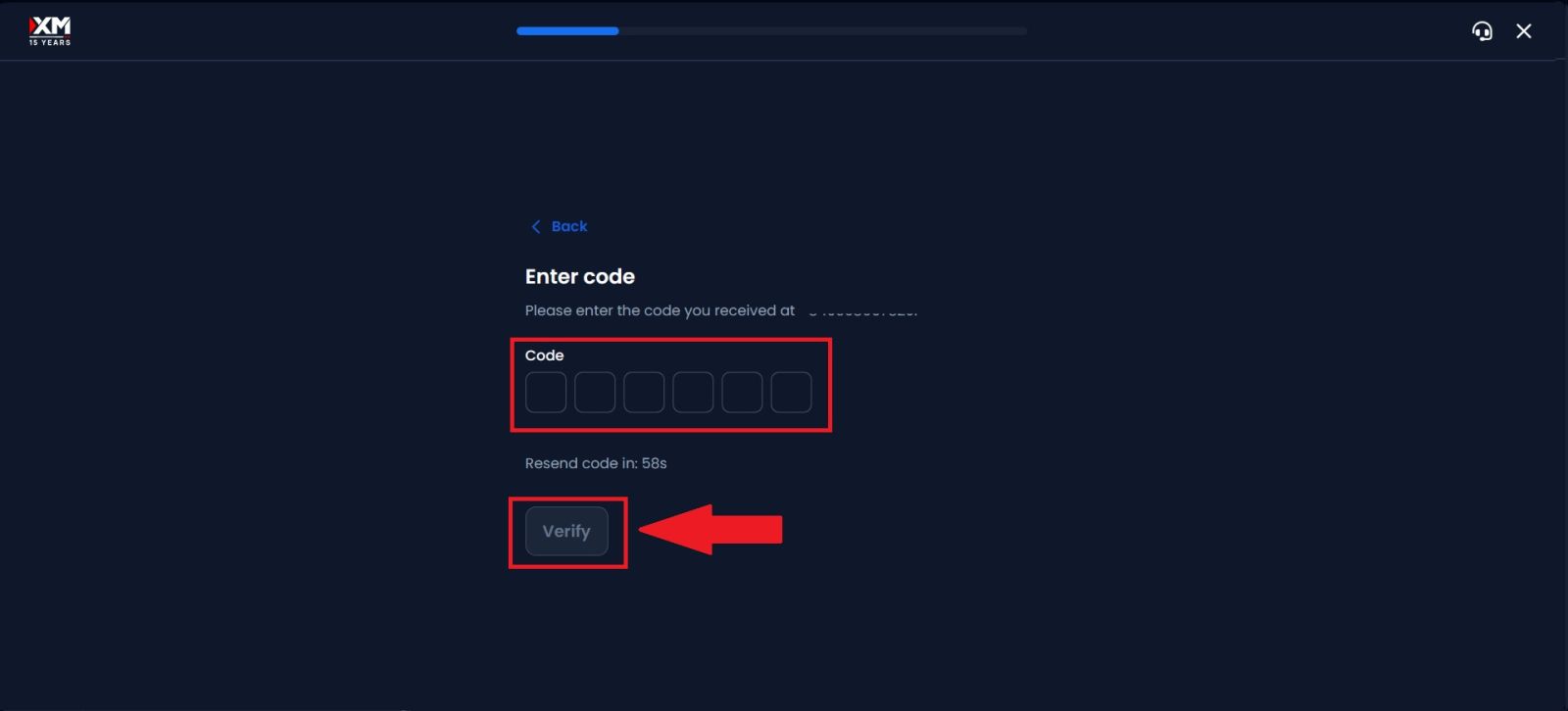
Enter your phone number and click [Continue], then input the 6-digit verification code sent to your phone number.
Once the code is entered correctly, click on [Verify], and your phone number will be successfully verified, allowing you to continue with the account setup process.
#4 Verify Your Profile Information
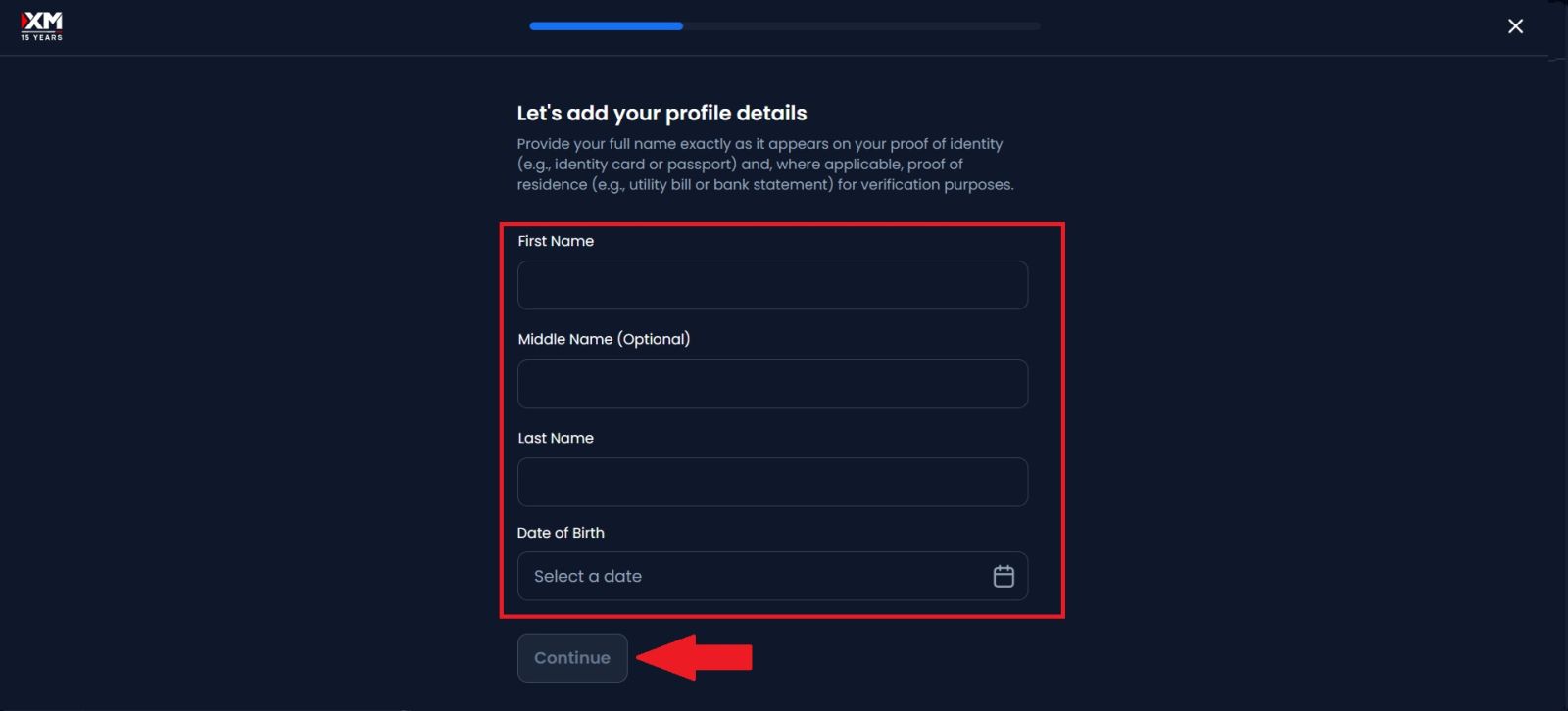
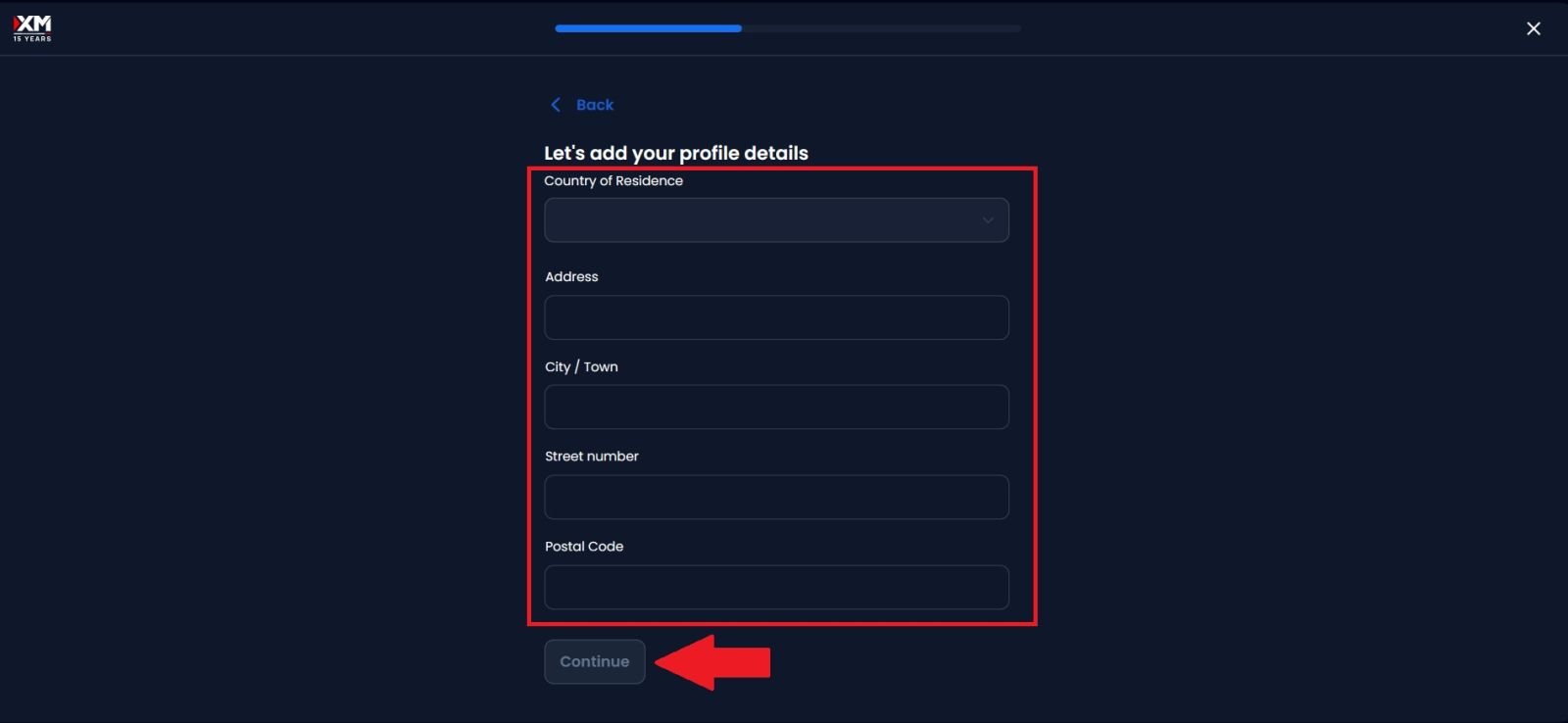
Click [Complete now] to proceed to the Profile Information Verification section. Carefully enter all required personal details, ensuring that the information provided is accurate and matches your official documents. Once you have reviewed the details for correctness, click [Continue] to move forward and proceed to the next step of the verification process.
#5 Upload Your Documents
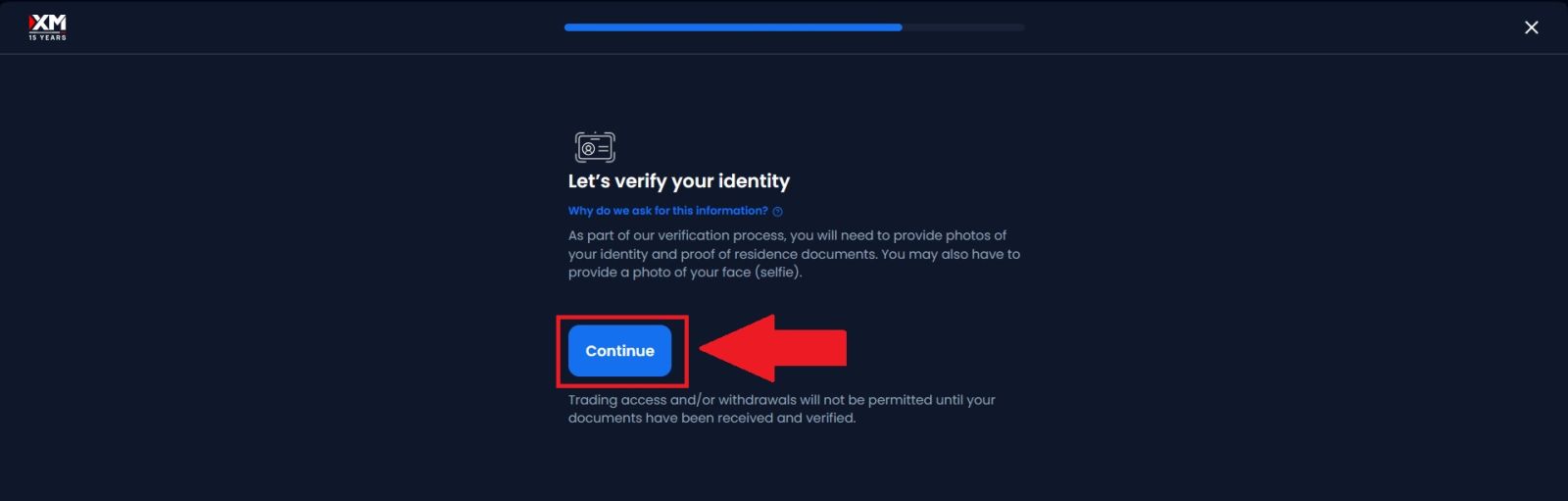
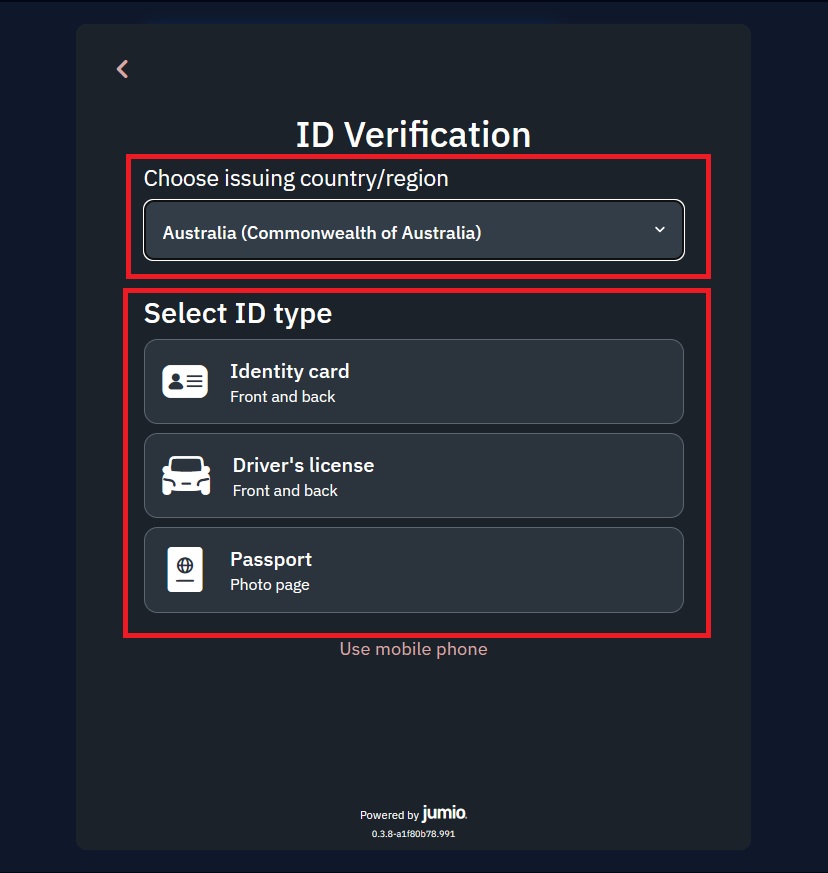
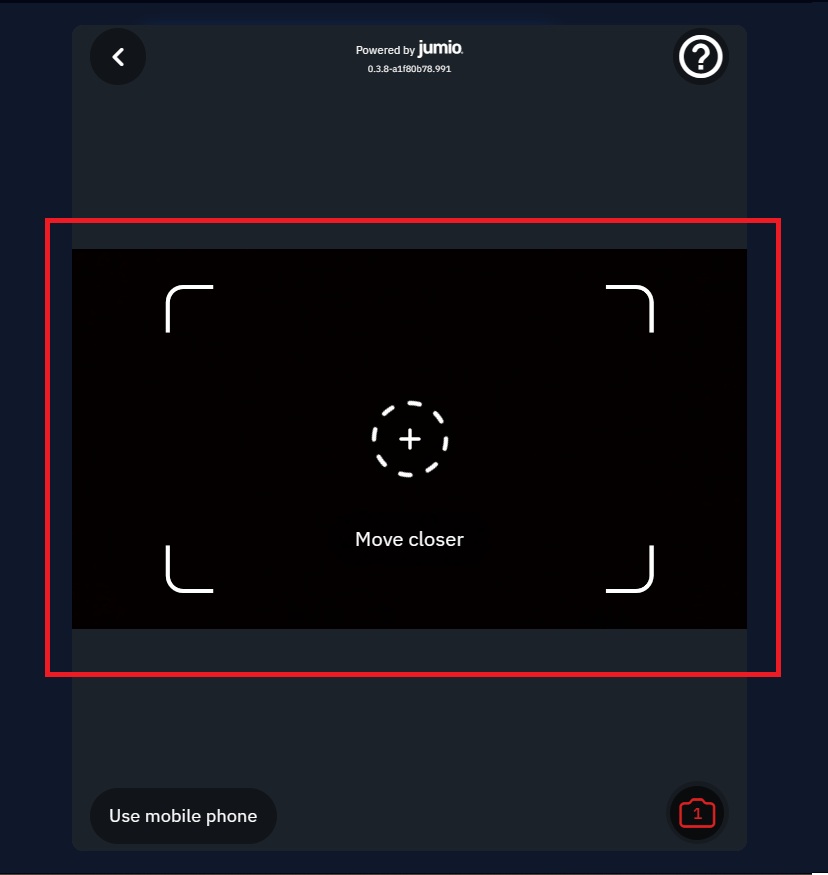
Click on [Continue] to begin the identity verification process. Next, select your issuing country, choose the appropriate document type—such as a passport, driver’s license, or official government-issued ID card—and put it in the frame to scan.
Be sure to review the camera to ensure they are legible, complete, and accurate. Once everything is in order, click [Submit document] to send your verification request. XM will then review your submitted documents and notify you once the verification process is complete.
#6 Facial Verification
Click [Continue] to start the facial verification process. Ensure you are in a well-lit environment, then position your face clearly within the on-screen frame as instructed. Remain steady and follow the on-screen prompts carefully until the system successfully completes the facial verification and allows you to proceed.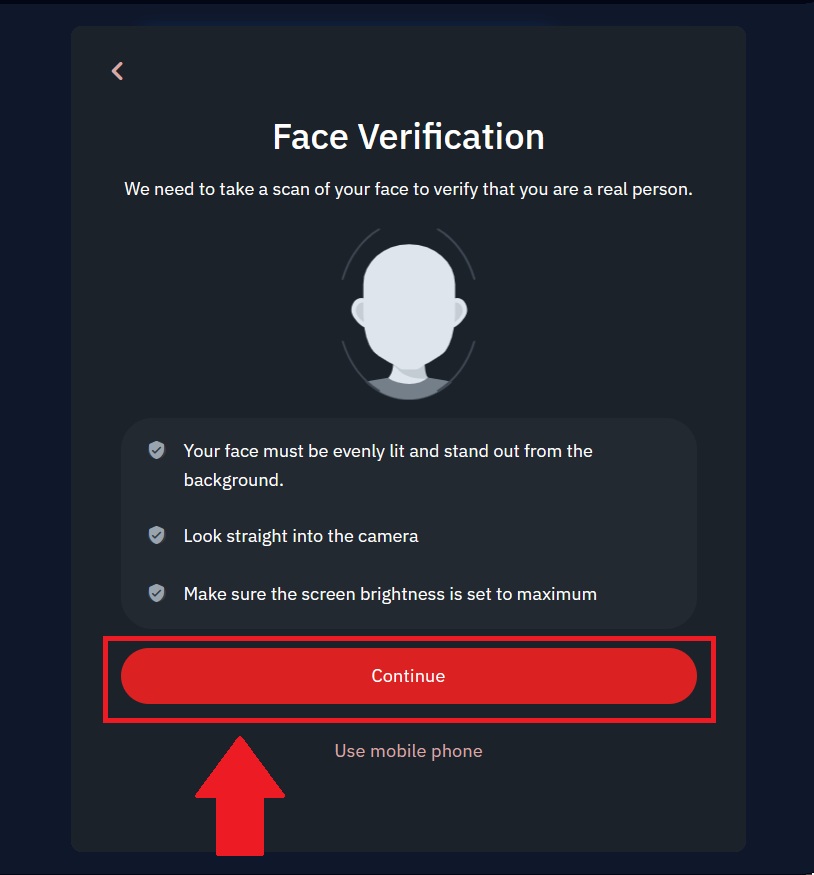
#7 XM Verification Completed
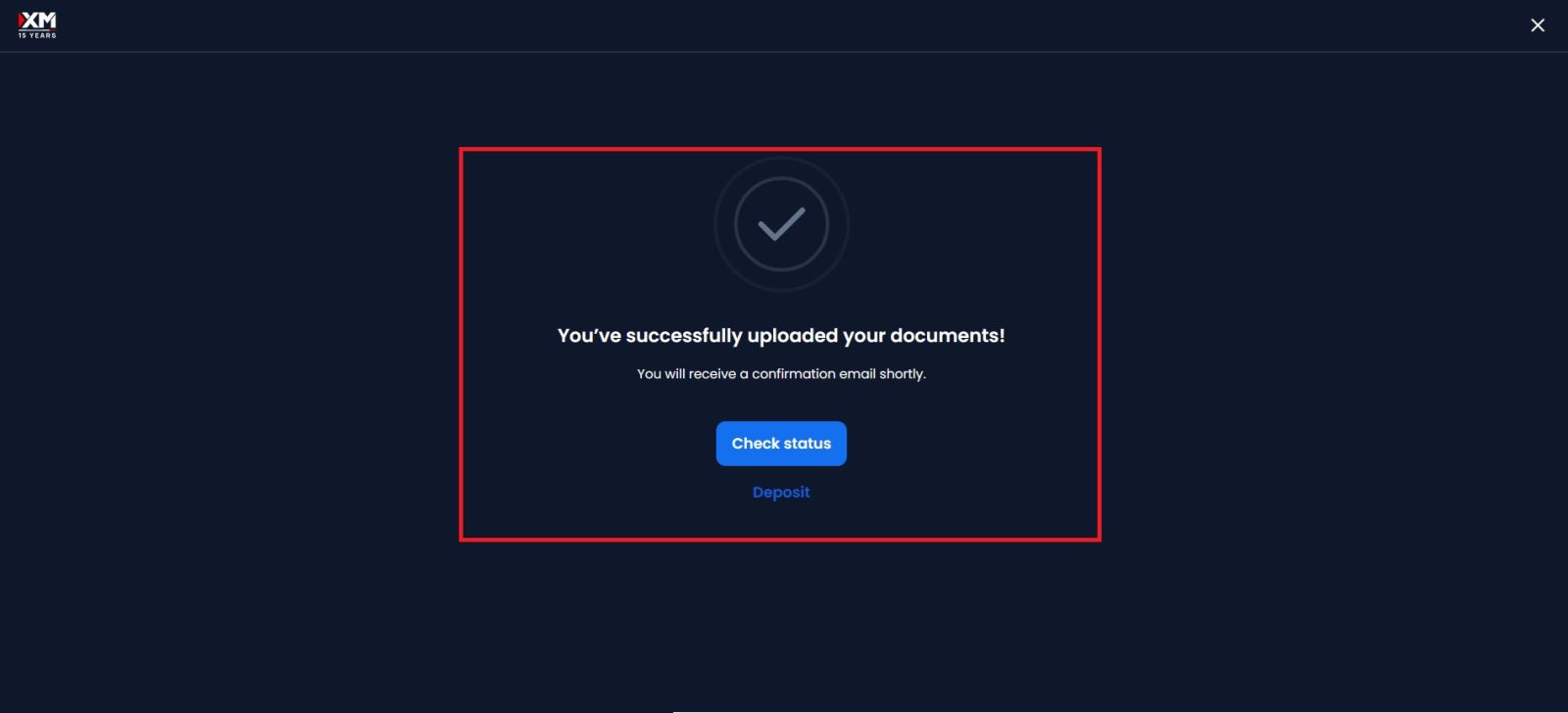
After submitting all the required information and documents, your XM account verification will be successfully completed once it is reviewed and approved.You will receive a confirmation notification, and your account will gain full access to all XM features, including deposits, withdrawals, and live trading.
Conclusion: Complete Your XM Verification with Confidence
Completing your XM account verification is a vital step to ensure full access to all trading features and maintain a secure account. By following the KYC process accurately and submitting the required documents on time, you can enjoy seamless deposits and withdrawals, higher account limits, and uninterrupted trading.XM’s verification system is designed to be efficient while protecting your personal information and funds. Once verified, you can trade with confidence, knowing your XM account is fully compliant and ready for long-term use.